IMPAC Inc
Service CenterSteps For A Great Service
Steps
There are 5 steps below which, if followed, solve 50-70% of service requests without having to send anything in.
Input Serial Number
Input your serial number into the form and it will check which service level you will need.
Decide Weather To Add A Backup Instrument
Our Doctors and their patients are used to having the same experience. Adding a backup instrument means you are never without that consistency.
Check Out
Proceed to checkout, and you’ll receive a shipping label in your email by the next business day.
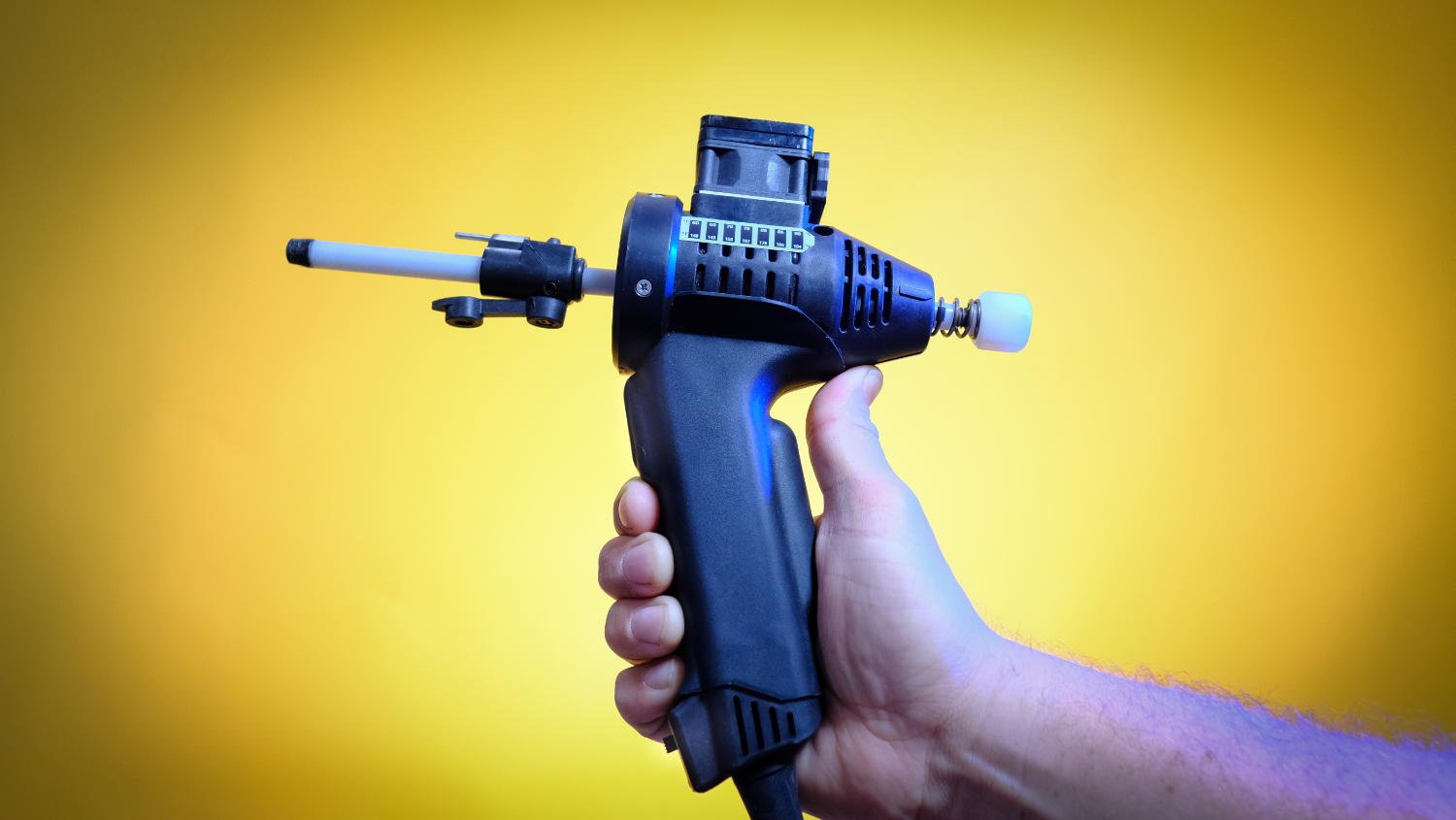
Which Instrument Do You Want Serviced (Click Image)

Step 1: Do You Need A Repair?
The following steps correct over 50% of the service requests made. To save yourself time and effort please follow the steps below to see if this corrects your situation
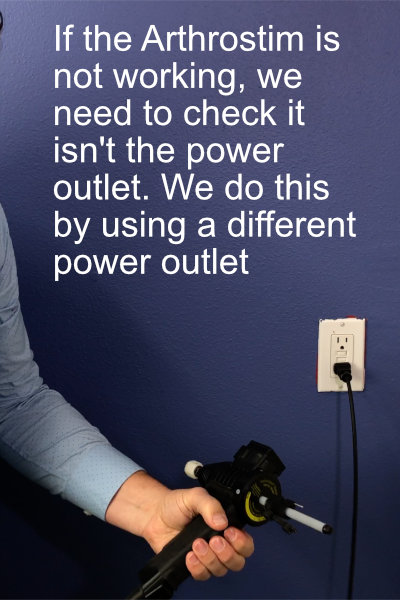
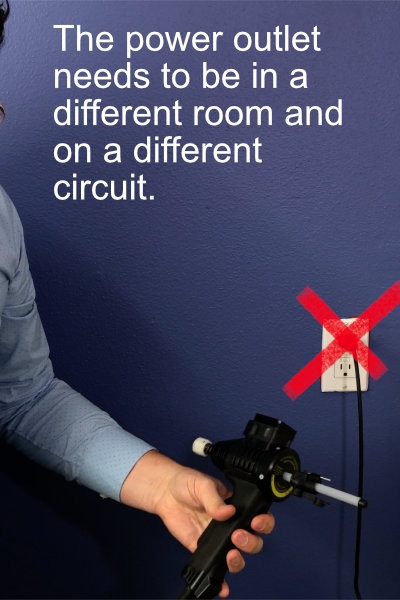

Step 2: See An Explainer Video
The Video Below Shows How To Check The Outlet Very Clearly
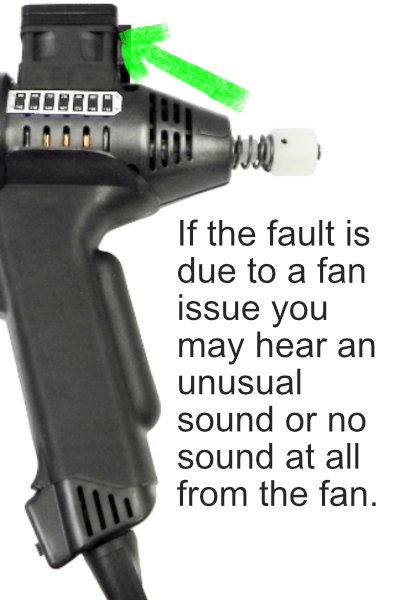
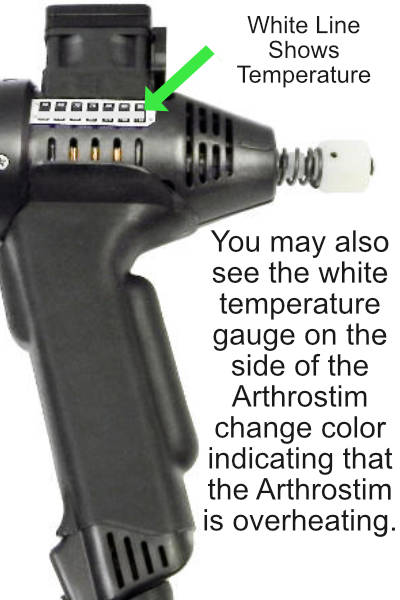
Step 3: Check The Fan
The Fan Is A Replaceable Item And There Is One In Your Original Box. Here Are Some Steps To Check If You Need To Replace The Fan.
Get A Replacement Fan
Replacement fans are available here with step-by-step instructions. Note: this fan only works with instruments that were factory-equipped with a fan.
Step 4: Watch The Video For Fan Issues
Watch The Video To Troubleshoot Fan Issues
Step 5: If The Fan Is Faulty Watch This Video
The Fan Is A User Replacable Part Which Is Easy To Change. Just Watch The Video Below To See How YTo Do This.
Problem Not Solved?
Input serial number below
Input Serial Number
Please note: Only one instrument repair can be processed per order. If you have multiple instruments to service, you will need to create a separate order for each one.
Can’t find the serial number, click here
Where’s My Serial Number Arthrostim®
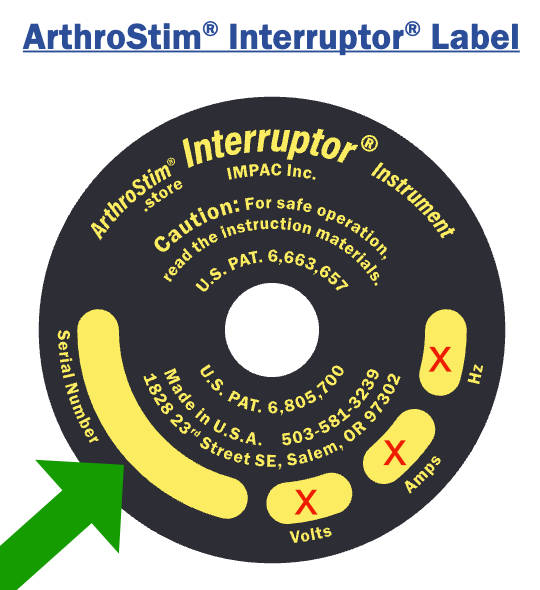
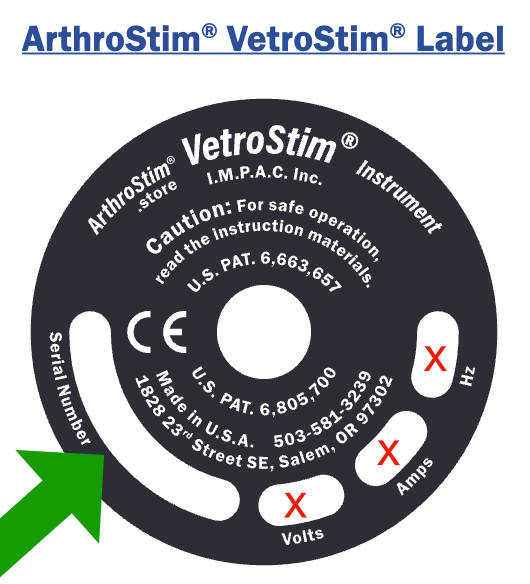
Your serial number is located on the front of your instrument on a yellow or silver label (see image). It consists of just the serial number part and does not include the Volts, Amps or Hz, and is 8 numbers long.
There are no letters, so any “0” are a zero.