IMPAC Inc
Vibracussor® Service CenterSteps For A Great Service
Step 1: Do You Need A Repair?
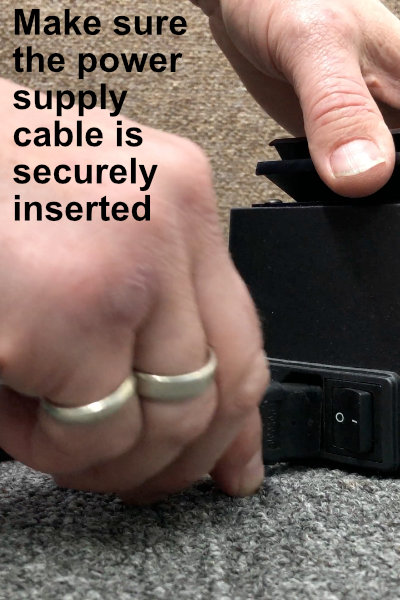
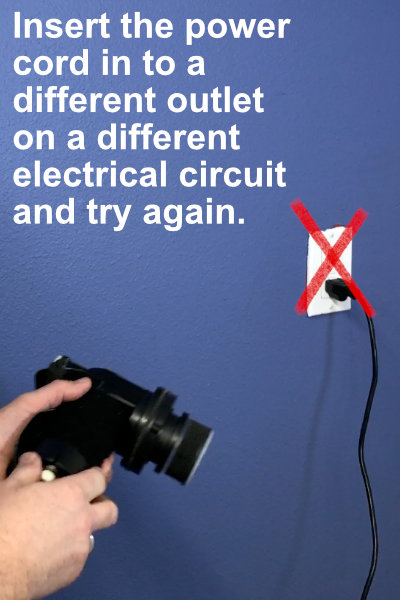
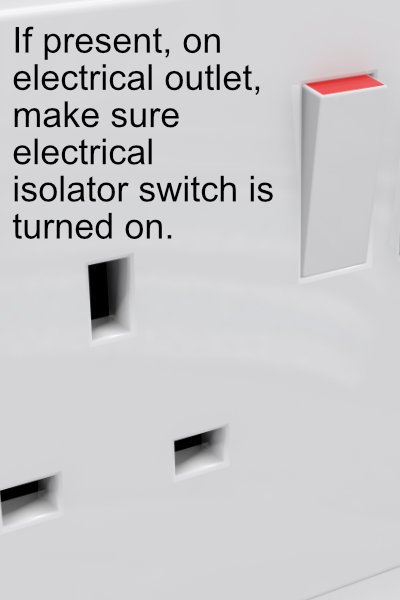
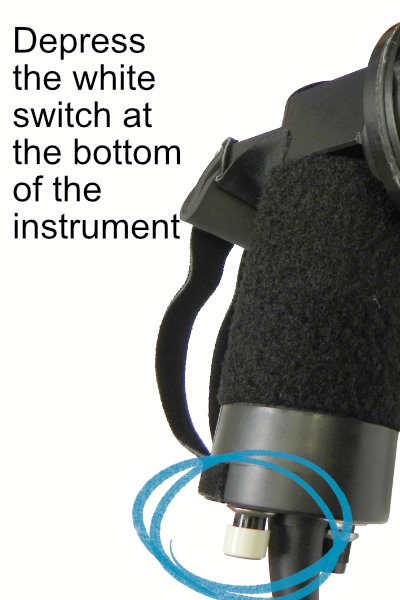
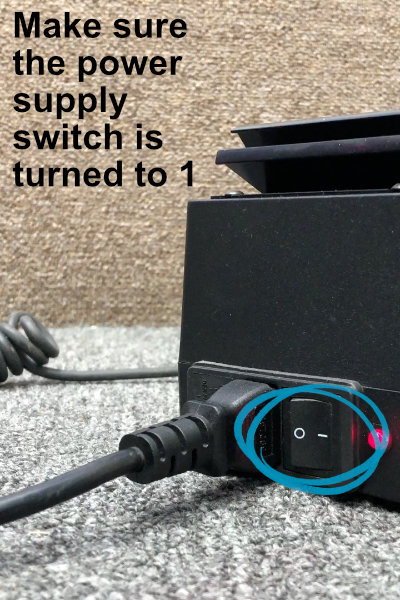
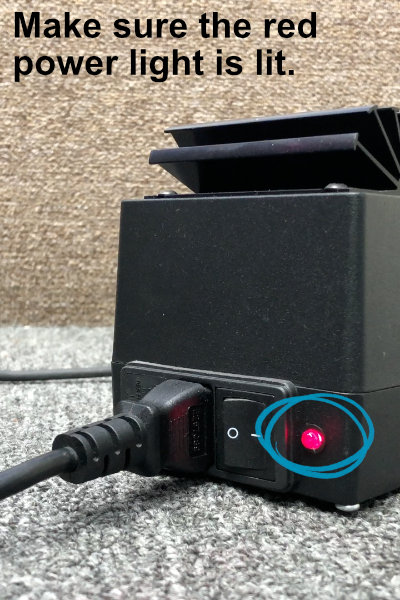
The following steps correct over 50% of the service requests made. To save yourself time and effort please follow the steps below to see if this corrects your situation
Step 2: See An Explainer Video
The Video Below Shows How To Check The Power For All Systems
Step 3: Check The Fuses
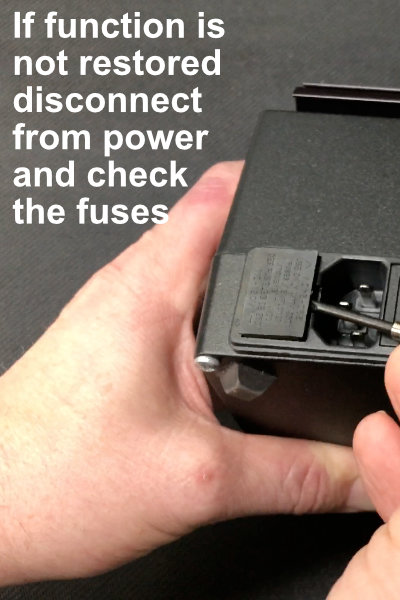
The Fuses Are Designed For Your Safety And, As A Result, May Perform Their Function To Protect You And The Patient From External Power Issues. See How To Check And Replace The Fuses Below:
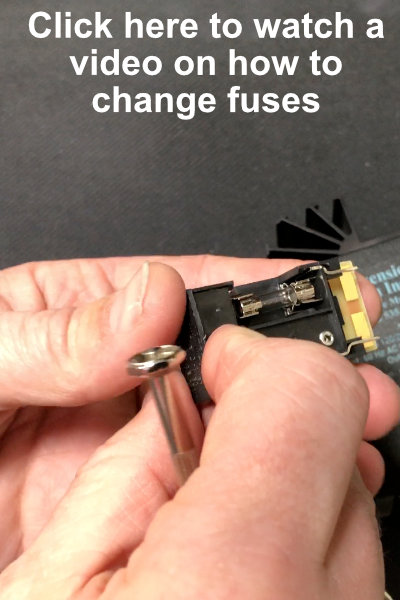
Step 4: Watch The Video On How To Change Fuses
Problem Not Solved?
Input serial number below
Input Serial Number
Please note: Only one instrument repair can be processed per order. If you have multiple instruments to service, you will need to create a separate order for each one.
Can’t find the serial number, click here
Where’s My Serial Number for Vibracussor®
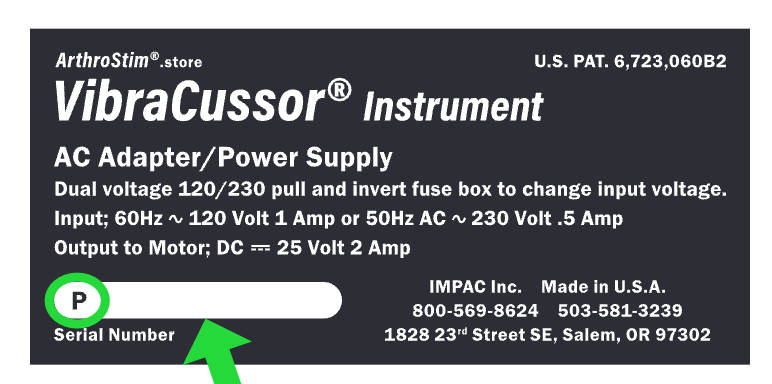
Your serial number is located on the power supply block on a black or blue label (see image). It consists of just the serial number part and does not include the voltage, and is 8 numbers long.
It starts with the letter “P” which must be included in the serial number section
There are no other letters so any “0” are a zero.
an example of a serial number would be P09091209A